A full lunch shop at 12.15 pm is often the moment when you immediately notice whether your cash register cooperates with you or works against you. Orders have to go to the kitchen quickly, tables have to beat, staff are not allowed to search and at the end of the day you just want to know what has been sold. That’s exactly where the question begins: what is a hospitality checkout system?
A hospitality cash register system is the central system with which you enter orders in your business, manage accounts, process payments and keep a grip on your daily operations. So it is much more than a digital replacement for an old-fashioned cash register. In practice, it is the point where service, bar, kitchen, management and reporting come together.
What is a hospitality cash register system in practice?
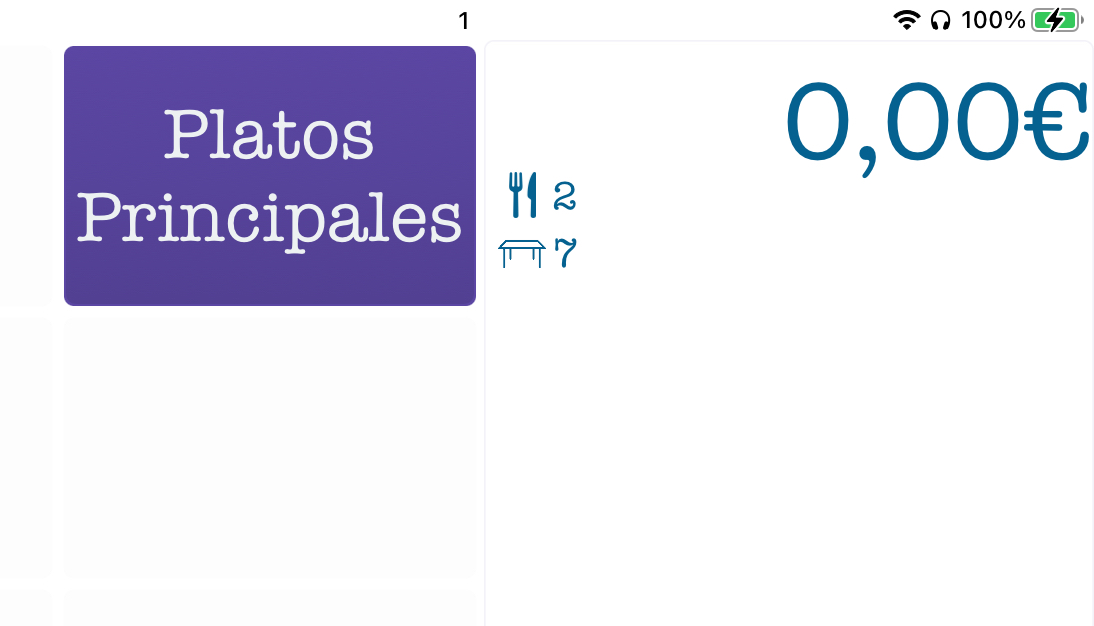
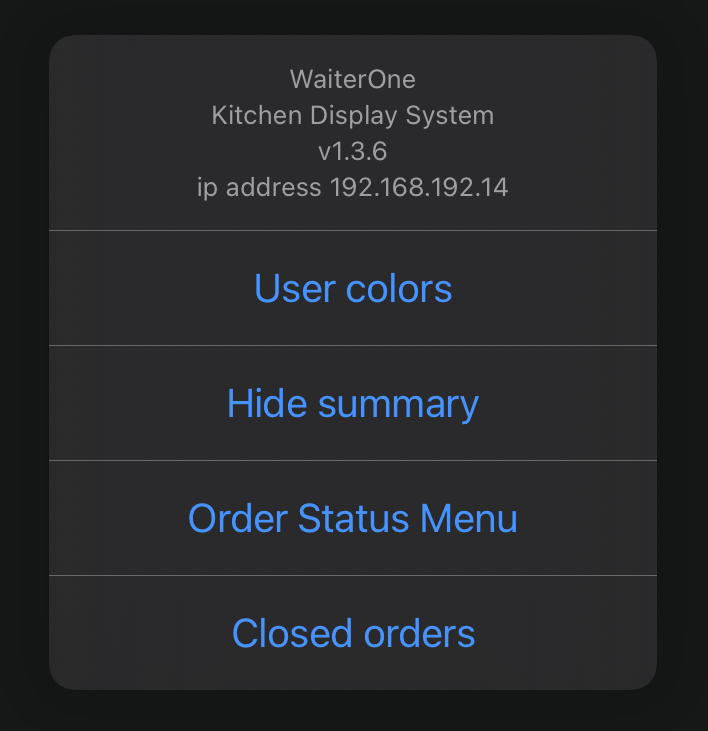
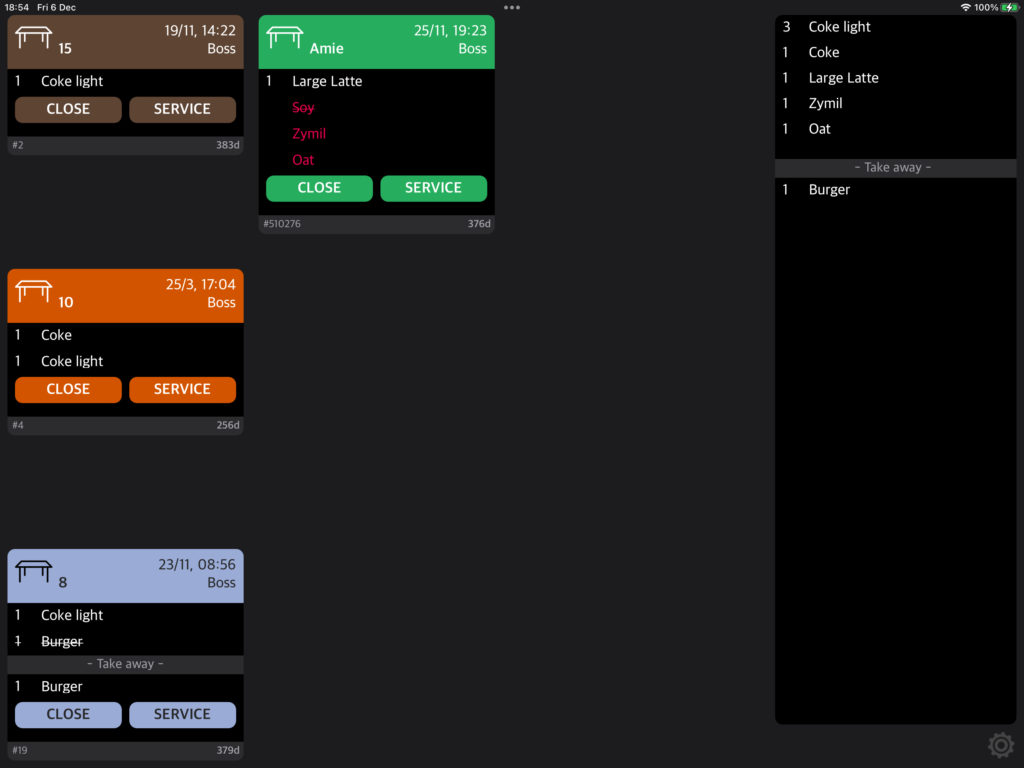
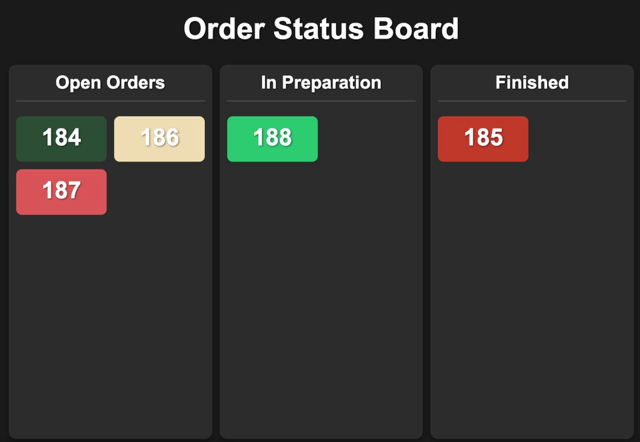
In a store, checkout is often the main task of a cash register system. In the hospitality industry, it is different. There, the process usually begins when taking an order at the table, at the bar, at a collection point or via a kiosk. That order should immediately end up in the right place, for example on a kitchen screen or at the bar, without notes lying around or misunderstandings arising.
A good hospitality cash register system helps you with the entire route from order to payment. It records what is sold, at what time, by which employee, on which table or in which sales channel. At the same time, it makes reports, tracks sales and provides insight into your busy moments, best-selling products and team performance.
That’s also where the difference is with a simple cash register app or standard payment system. A real hospitality cash register system is built for pace, crowds and multiple processes at the same time. That makes it relevant for restaurants, cafes, lunchrooms, food trucks, ice cream parlors and festival concepts.
Which functions belong to a hospitality cash register system?
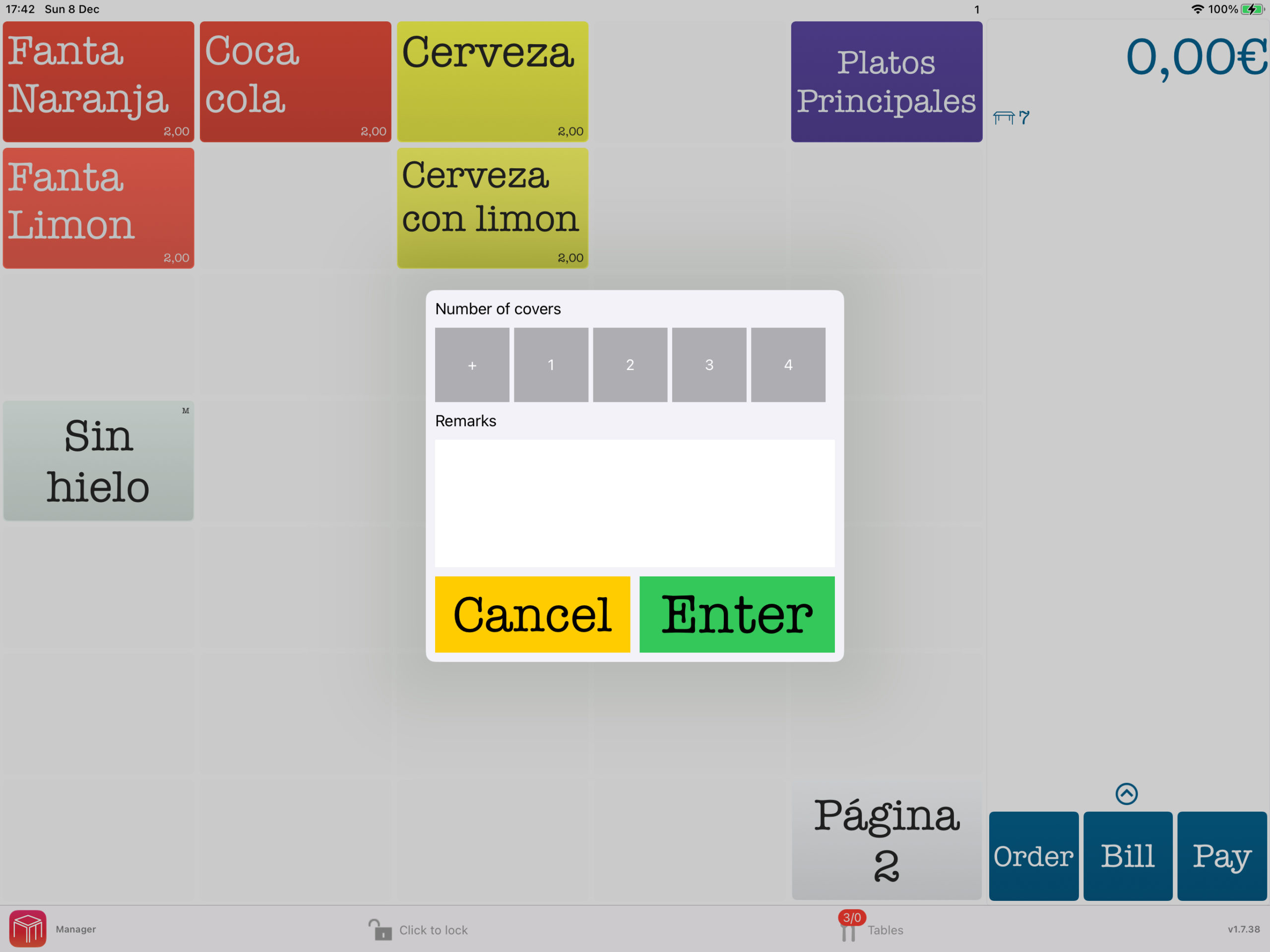
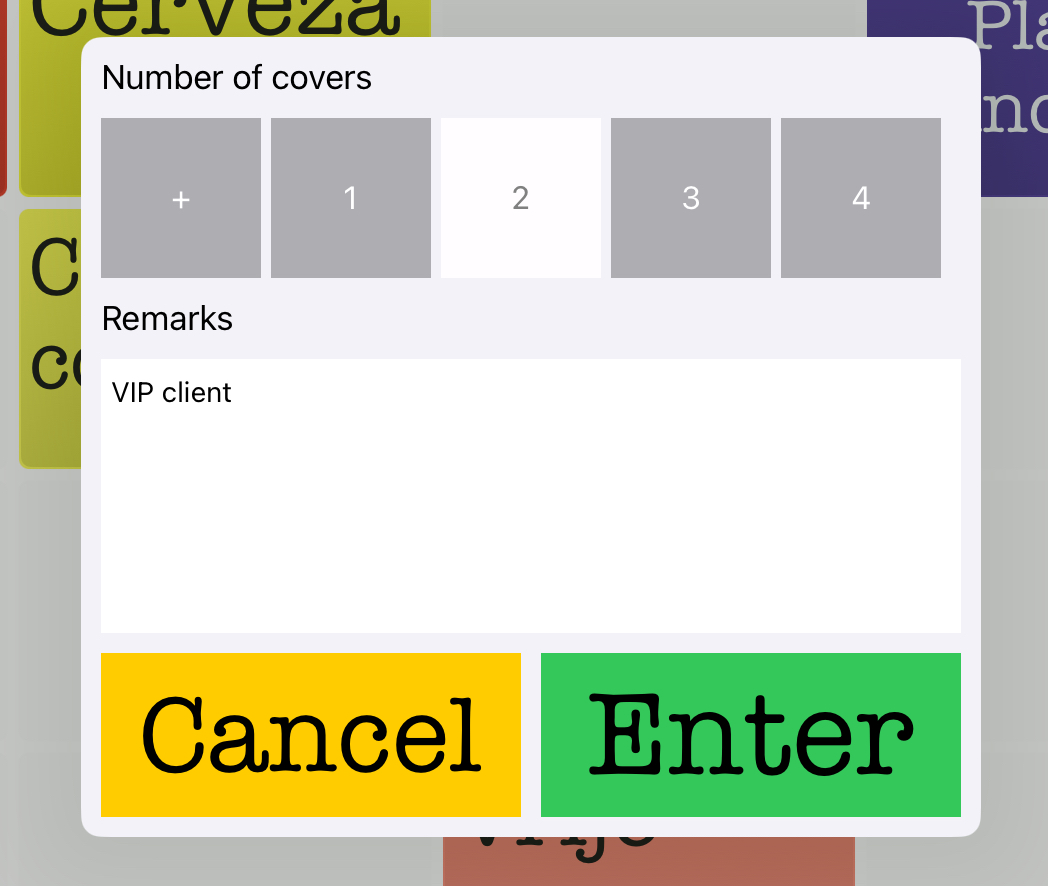
The basics are simple: you want to be able to order and pay. But in the hospitality industry, the practice is just a little less simple. Splitting a table, putting a round on the bill, passing a product without onion to the kitchen or immediately seeing which tables are still open – these are functions you need on a daily basis.
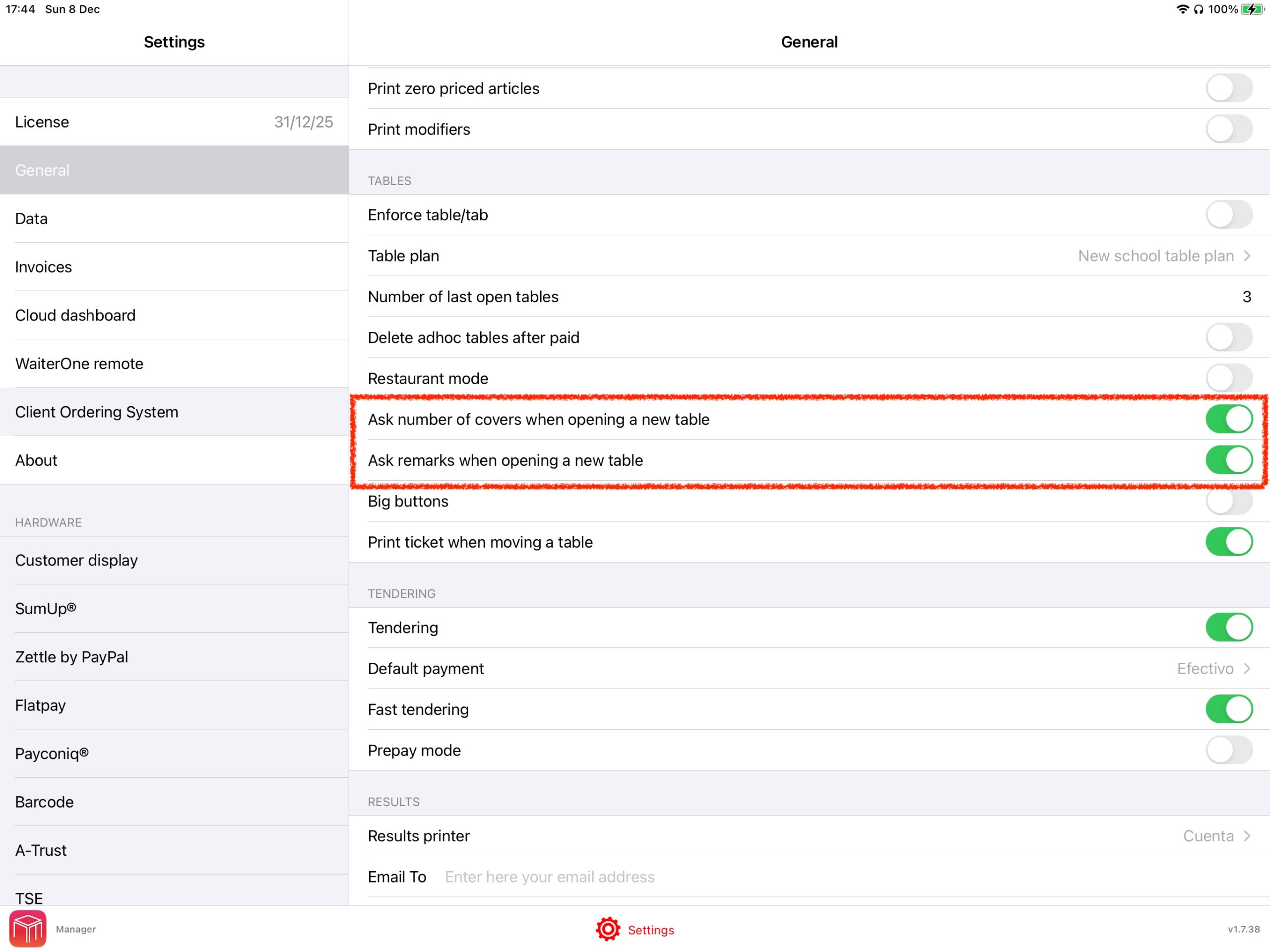
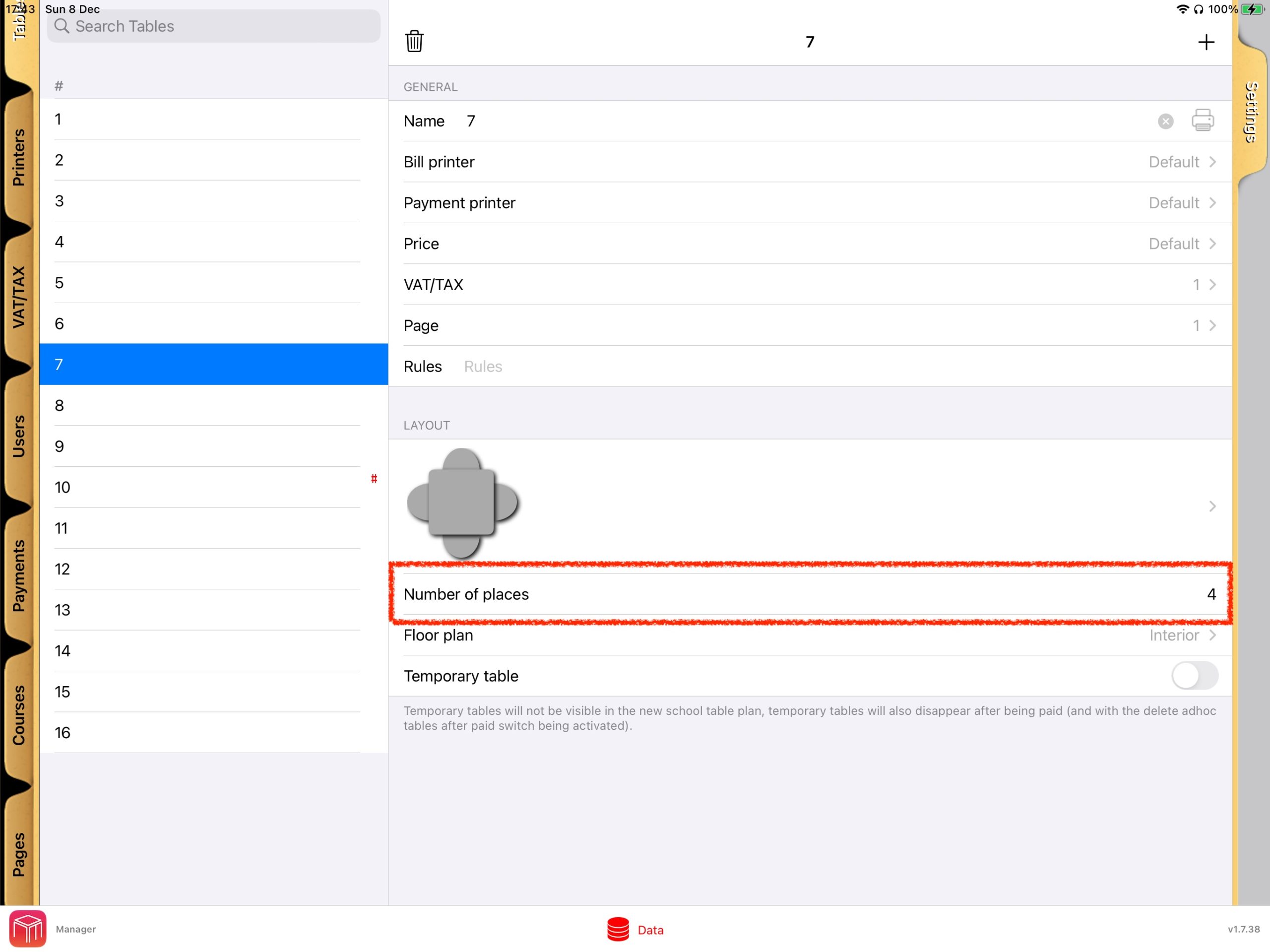
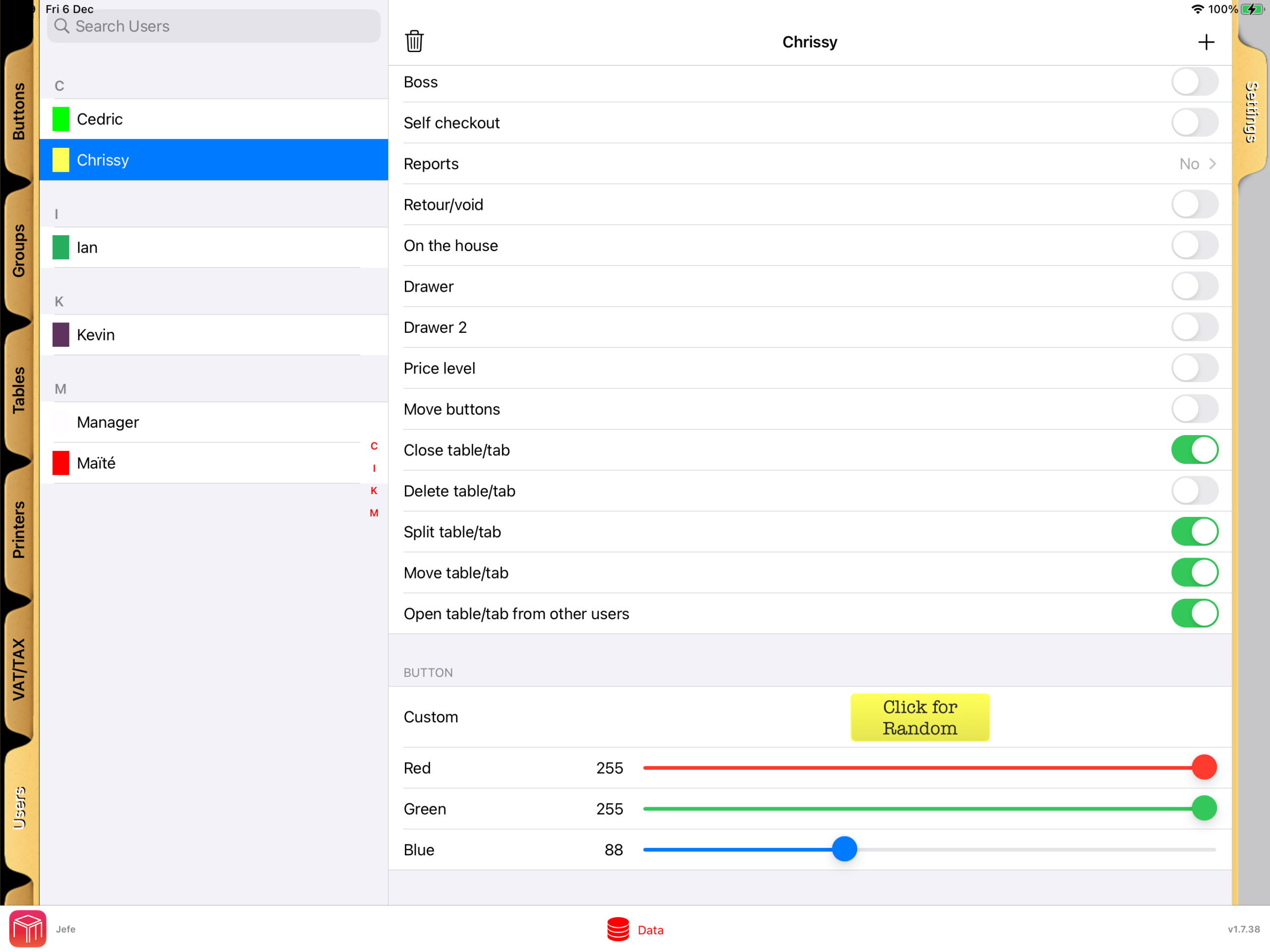
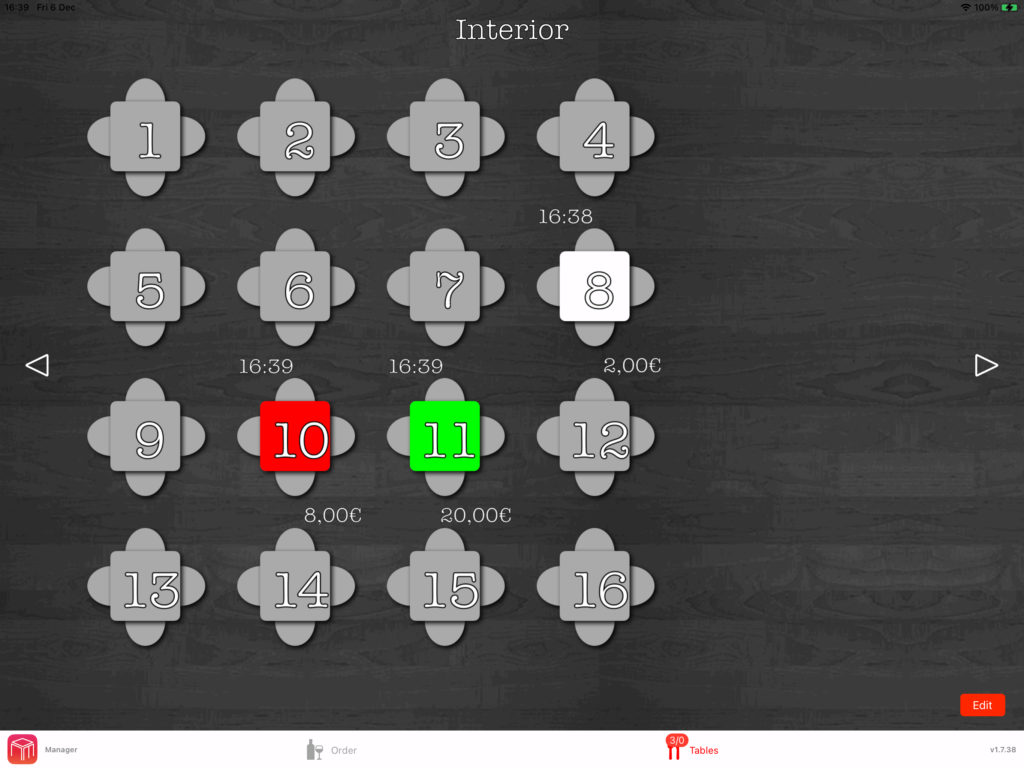
Most modern hospitality cash register systems therefore offer features such as table management, mobile order recording, linking to kitchen or bar, different payment methods, reporting and user rights for employees. Often there are also inventory management, pick-up and delivery options, reservations and customer orders.
Not every company needs everything. A food truck has different requirements than a restaurant with a large terrace. An ice cream parlor wants speed at the counter, while a bistro has a lot of table management and aisle system. Therefore, the best question is not only what a hospitality cash register system is, but also what your business should be able to do with it every day.
Order, pass on and pay without detours
The core of a good system is speed. Employees must be able to enter an order directly on an iPad, iPhone or fixed cash register. That order must be visible in the kitchen or at the bar without additional actions. After that, payment should go just as smoothly, whether per table, per person or partly cash and partly pin.
If a system is slow or cumbersome at this point, it costs immediate turnover and rest. Especially at peak times, you don’t want menus that are too deep hidden or screens that staff have to click through as if they were filling out a tax form.
Insight into your case
A catering cash register system is also a steering instrument. You can see what’s going fast, when it’s busy, which articles make margin and where processes get stuck. This is useful for large chains, but also for smaller entrepreneurs who need to focus on costs and staff deployment.
With good reports, you have to do less on feeling. You can see faster if a lunch deal works, if Sunday afternoon is really profitable and which employee makes a striking number of corrections. That kind of insight helps to adjust faster.
Why are hospitality businesses switching to modern cash register systems?
Because old systems are often expensive, cumbersome and limited. Many entrepreneurs remember it: closed hardware, high purchase costs, additional licenses per device and a phone call to a supplier for every small change. That model is less and less suited to hospitality that wants to work flexibly.
Modern hospitality cash register systems often run on well-known hardware such as iPads and iPhones and work cloud-supported. That makes them more mobile and usually easier to use. New employees need less explanation and expansion is faster. For a terrace, extra point of sale or event, you don’t have to go straight into a completely new route.
That doesn’t mean every modern system is automatically good. Some solutions look sleek, but lack features that are crucial in practice. Other systems are cheap in the base, but add so much per device, per module or per additional screen that the advantage quickly disappears. That is precisely why it pays to look beyond just the entry price.
What should you pay attention to when choosing one?
The first test is simple: does the system connect to your way of working? Not on a demo situation, but on a busy Friday night, a full terrace or a takeaway moment when everything happens at the same time.
Look at ease of use. Can staff work with it quickly without long training? Is the screen logically arranged? Can you easily customize products, tables and price groups? The faster your team can get along with it, the fewer errors and delays you get.
Also pay attention to the total cost. Not only the subscription price, but also hardware, installation, support and any surcharges for additional devices or features. A system that seems cheap can still be expensive in a year.
Reliability is at least as important. A catering cash register system must remain stable, especially during crowds. Therefore, ask how the system handles internet outages, updates and support. You don’t want a supplier who is mainly available at times when you are closed.
Does it suit your type of hospitality?
Not every system is equally suitable for every concept. A quick service business wants as few actions as possible per order. A restaurant needs table plans, courses and bill splitting. A festival concept wants to be able to scale up speed, multiple points of sale and temporarily.
That is why industry-specific practical experience is important. A supplier who really understands the hospitality industry builds functions based on use in the business, not just based on technology. You notice that in small things that are big in practice.
What does a good hospitality cash register system yield?
The biggest advantage is usually not technical innovation, but rest in the operation. Less miscommunication between service and kitchen. Fewer errors on receipts. Faster checkout. Less time spent on research after closing.
In addition, it often provides an immediate financial benefit. Faster turnaround time means more order processing. Better insight means smarter shopping and planning. And if you don’t have to make a high investment in expensive, closed hardware, there’s more room for the business itself.
For many entrepreneurs, profit is also in flexibility. You can scale more easily, add additional sales channels, or customize processes as your concept changes. That is useful if you have seasonal crowds, temporarily run a second location or want to start with takeaway, kiosk or customer orders.
What is a hospitality cash register system worth if it works really simply?
More than entrepreneurs sometimes think. A system is often judged on functions, but in practice it is all about workability. If staff enter orders quickly, if the kitchen immediately sees the right information and if you can view reports without hassle, you will notice the difference every shift.
That is precisely why many hospitality entrepreneurs no longer choose the toughest or most expensive solution, but a system that can do a lot without becoming complicated. That is also the reason that platforms such as WaiterOne are gaining ground: a lot of functionality, clearly priced and built for how hospitality really runs.
The core: it should make your business easier
The best explanation for the question of what is a hospitality cash register system is ultimately very practical. It is the system that ensures that ordering, passing on, checkout and managing do not pass each other by, but together form one working process.
If you still work with an outdated cash register, loose notes, unclear reports or a system that doesn’t really make anyone happy, that’s usually not a minor inconvenience. It slows down your surgery a bit every day. And in the hospitality industry, that’s all that counts.
So don’t choose the system with the longest feature list, but the system that immediately saves time on the floor, gives an overview and remains affordable. That really helps you on a busy Saturday night.